
Report notifications management

You can freely customize the frequency and types of reports you want to receive. To do this:
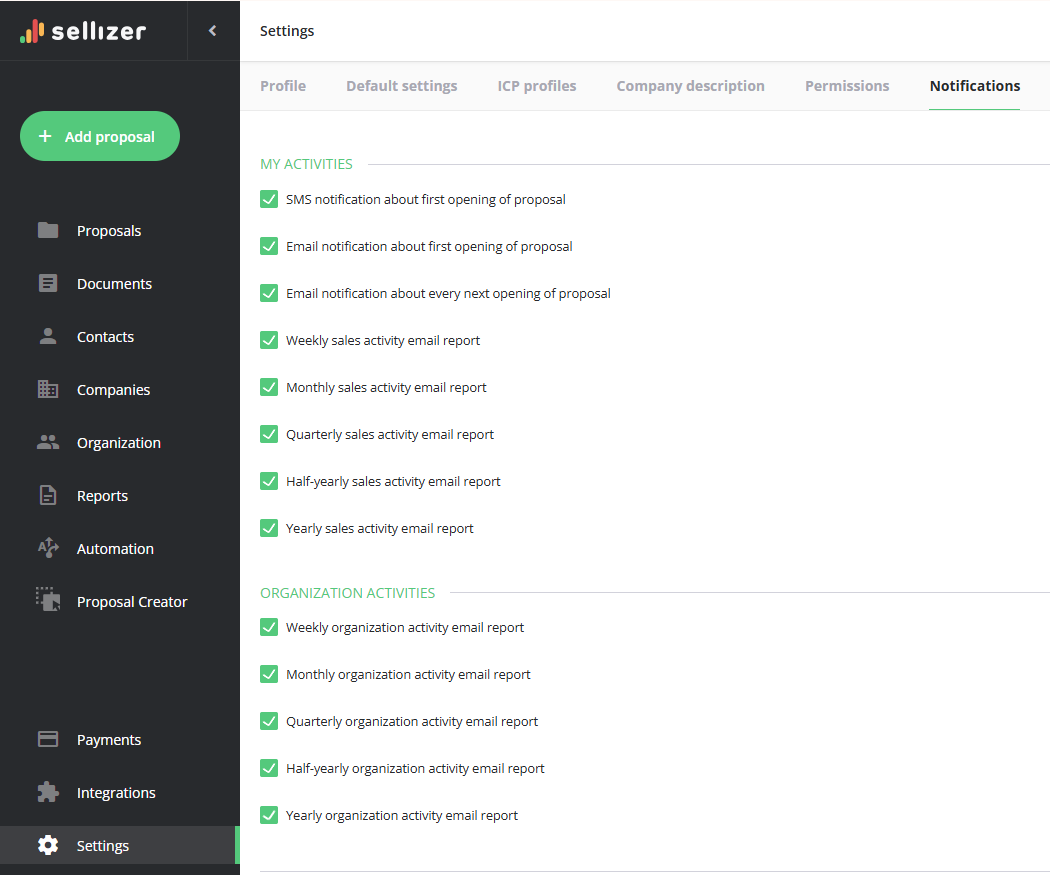
Go to the Settings tab, then navigate to the Notifications section
You can choose from the following types of reports:
Weekly sales activity email report
Monthly sales activity email report
Quarterly sales activity email report
Half-yearly sales activity email report
Yearly sales activity email report
Jeśli jesteś administratorem/członkiem zespołu sprzedażowego, możesz także otrzymywać:
Weekly organization activity email report
Monthly organization activity email report
Quarterly organization activity email report
Half-yearly organization activity email report
Yearly organization activity email report
For more information, please contact us via chat, email: support@sellizer.com, or the form.