
What is Dashboard and what are its functions?

Dashboard is the user interface that appears after logging into your account.
Here you can check offer statistics (both your own and, if you have administrator rights, your team's), filter proposals and senders, add new proposals, and manage existing ones.
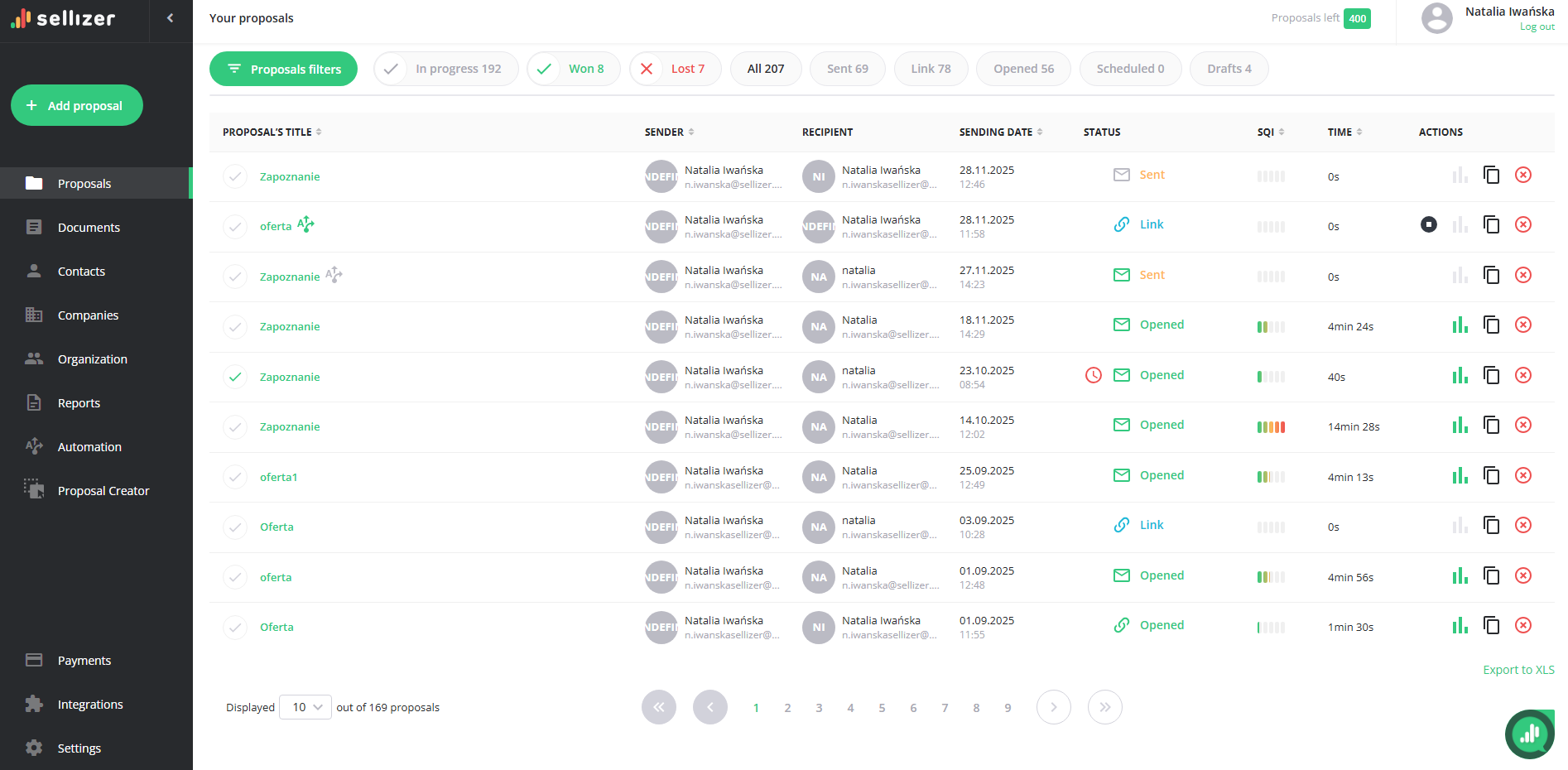
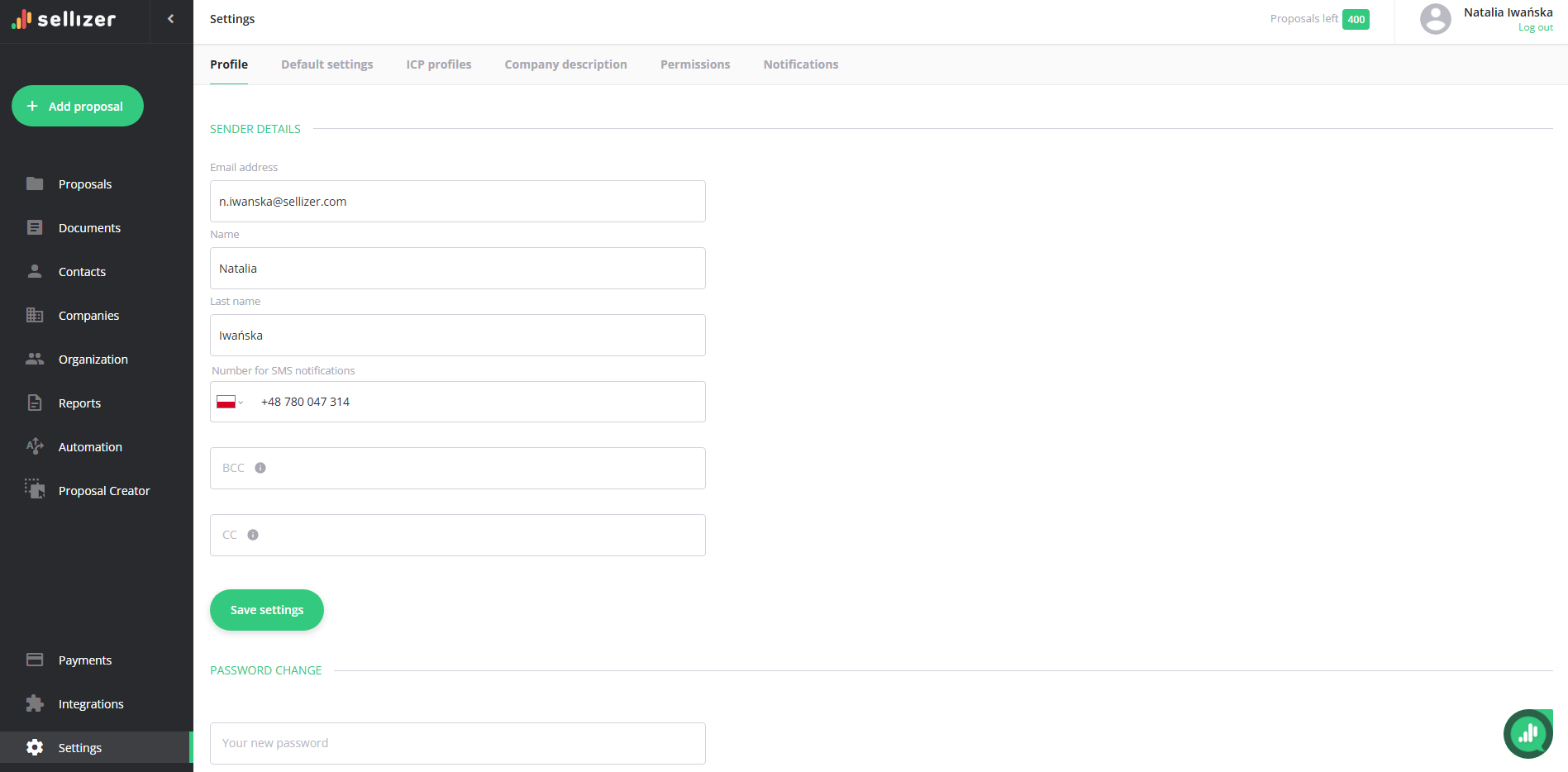
By clicking on the user's name or icon in the upper right corner, you will be taken to the Settings subpage, where you can edit your profile, personalize proposals, and integrate with your e-mail account.
The column on the left contains links to individual subpages. Users with administrator privileges have access to 11 tabs: Proposals, Documents, Contacts, Companies, Organization, Reports, Automation, Proposal Creator, Payments, Integrations, and Settings.
In the case of a salesperson account without administrator privileges, the person managing it sees 9 tabs: Proposals, Documents, Contacts, Companies, Reports, Automation, Proposal Creator, Integrations, Settings.
For more information, please contact us via chat, email: support@sellizer.com, or the form.