
Personalization of the link with the offer

See how you can modify links to offers sent to Customers.
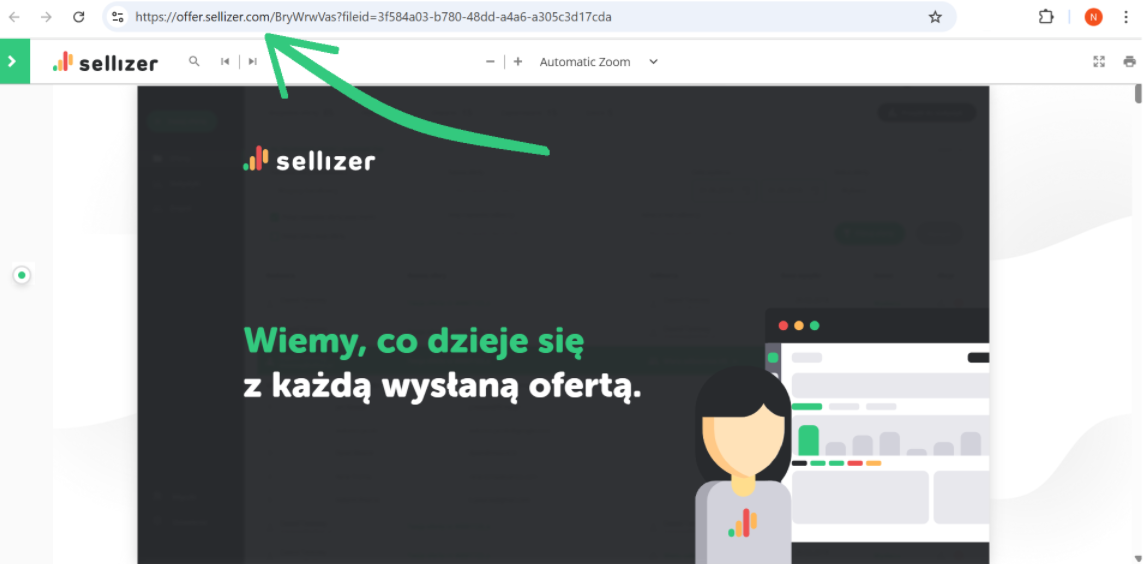
A system subdomain is a link to your offer that was automatically generated by the system. It has the following form: offer.sellizer.com
Your own subdomain in the Sellizer domain
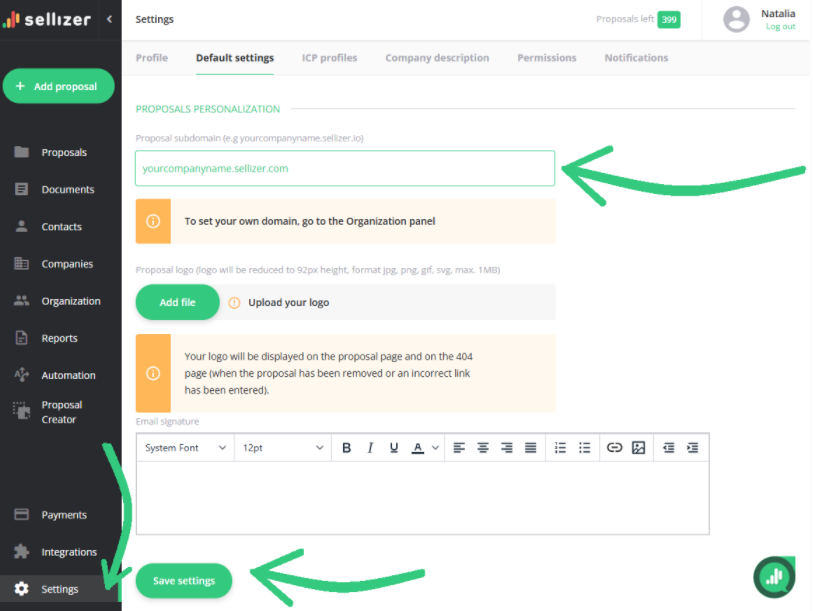
In the “Settings” panel, go to the “Default settings” tab, where you can set up your own subdomain free of charge.
Enter your chosen subdomain in the designated field, then confirm the changes by clicking the “Save settings” button below.
After setting it up, the link to your offer will look like this: yourcompanyname.sellizer.com.
Subdomain within your own domain
Subdomain setup service for your own domain:
is completely free for Team license accounts
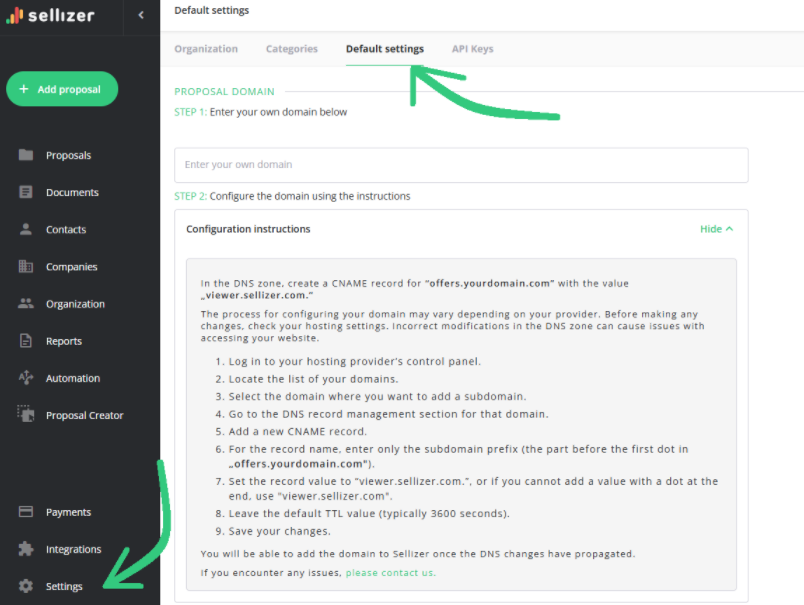
If you are an Administrator, go to the “Organization” Panel and the “Default Settings” tab - there you will find configuration instructions and the option to add it.
is USD 55 net for the Solo package
If you have a Solo package, please contact us and we will send you further instructions.
For more information, please contact us via chat, email: support@sellizer.com, or the form.