
How do templates work?

Learn more about message templates in Sellizer!
How do sending templates work?
In the Templates tab, you can create any number of message templates that you want to send to your clients. To create each template, you need to provide:
the proposal (message) title,
the format of your proposal link – graphic or text,
the message content.
and by adding the file or files you want the template to include (available formats: PDF, DOC, DOCX, XLS, XLSX, PPT, PPTX, PNG, JPG). *Adding attachments is optional.
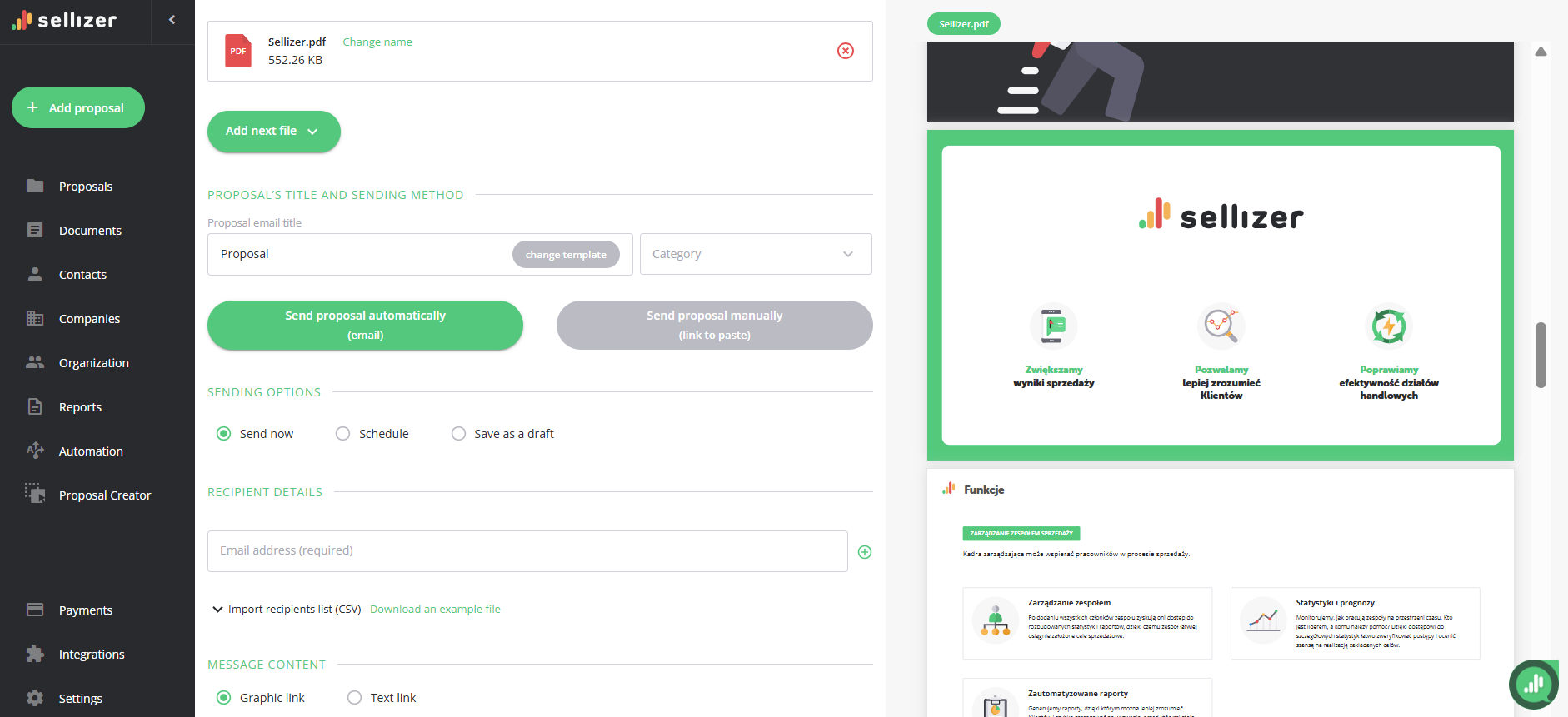
Save it, and that’s it – the template is ready to use! When sending a new proposal, simply click the Change Template button in the Proposal Email Title field and select the template you want to use from the list. You don’t need to retype the message each time.
For more information, please contact us via chat, email: support@sellizer.com, or the form.