
What are Templates?

Learn more about the Templates module in Sellizer!
The Templates section is where you can create and manage message templates. Once prepared and saved, a template can be used multiple times. This saves you a lot of time when preparing proposals for sending and speeds up the sales process. How? If you receive inquiries about your company's proposals, it’s useful to have a ready-made message on hand that you can send quickly, without having to search for and copy content from previous messages.
Additionally, you can create different message templates and see which ones work best at various stages of the sales process. You can also prepare templates based on the recipient's gender or the appearance of the proposal link. Using templates allows you to respond to customer inquiries faster – and customers appreciate a quick and efficient reply.
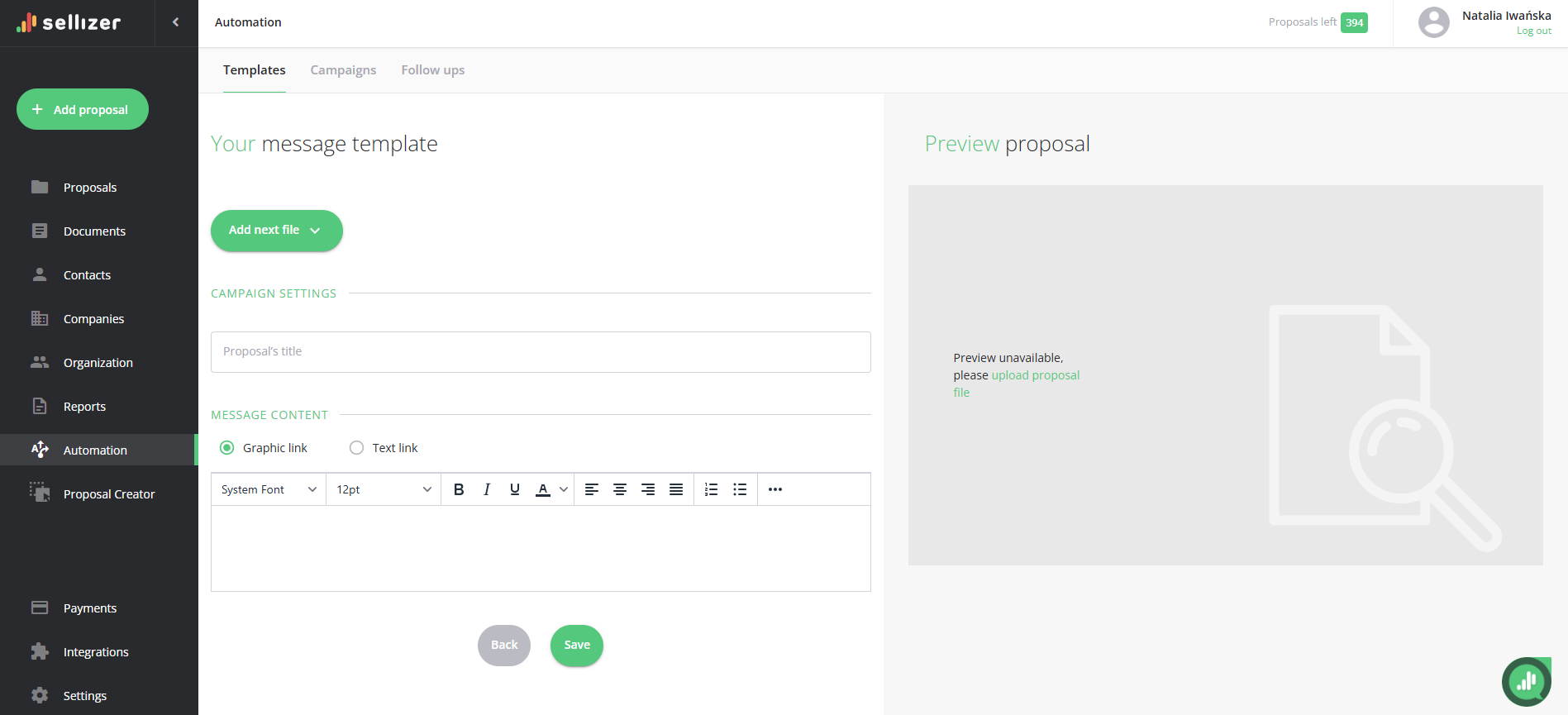
Creating message templates is very easy and quick. Here’s what you need to do:
Fill in the subject and message content.
Add the file(s) you want the template to include (optional).
Choose the format of your proposal link (graphic or text) – if you are creating a message template with a file.
For more information, please contact us via chat, email: support@sellizer.com, or the form.